SELECTED WORK / SYSTEMS IN PRACTICE

Systems built around real work.

A closer look at the workflows behind reliable creative and content operations.

These examples show systems already in use, workflows still evolving, and the hands-on production experience behind them. Each reflects the same priorities: clear responsibilities, deliberate approvals and dependable delivery.

01CONTENT OPERATIONSLIVE CASE STUDY

Content Engine + Media Render Engine

It might begin with a blog article, an interesting link, a project note or an idea from everyday work. Content Engine gathers that material, helps develop useful posts and checks the drafts for weak or repeated angles before I decide what deserves to go further.

Approved ideas can become text or link posts, images, carousels or short videos, depending on the destination. The system coordinates the format and language mix, keeps publishing on a deliberate schedule, and records what happened — so the next content decision can build on evidence rather than memory.

FROM SOURCE TO PUBLISHED CONTENTREAL WORKFLOW / HUMAN SUPERVISED
  1. 01Find materialBlogs, links, project notes and original ideas
  2. 02Write and checkDrafts, novelty checks and editorial QA
  3. 03Choose the formatText, links, images, carousels or video
  4. 04Get approvalHuman editorial and visual decisions
  5. 05Publish deliberatelyPlatform, language and format-aware scheduling
  6. 06Track and learnPublication history and performance snapshots
THE NEXT EDITORIAL DECISIONPublishing isn't the end of the process.

Results remain connected to the published work. They inform the next human decision — not an autonomous rewrite of the content strategy.
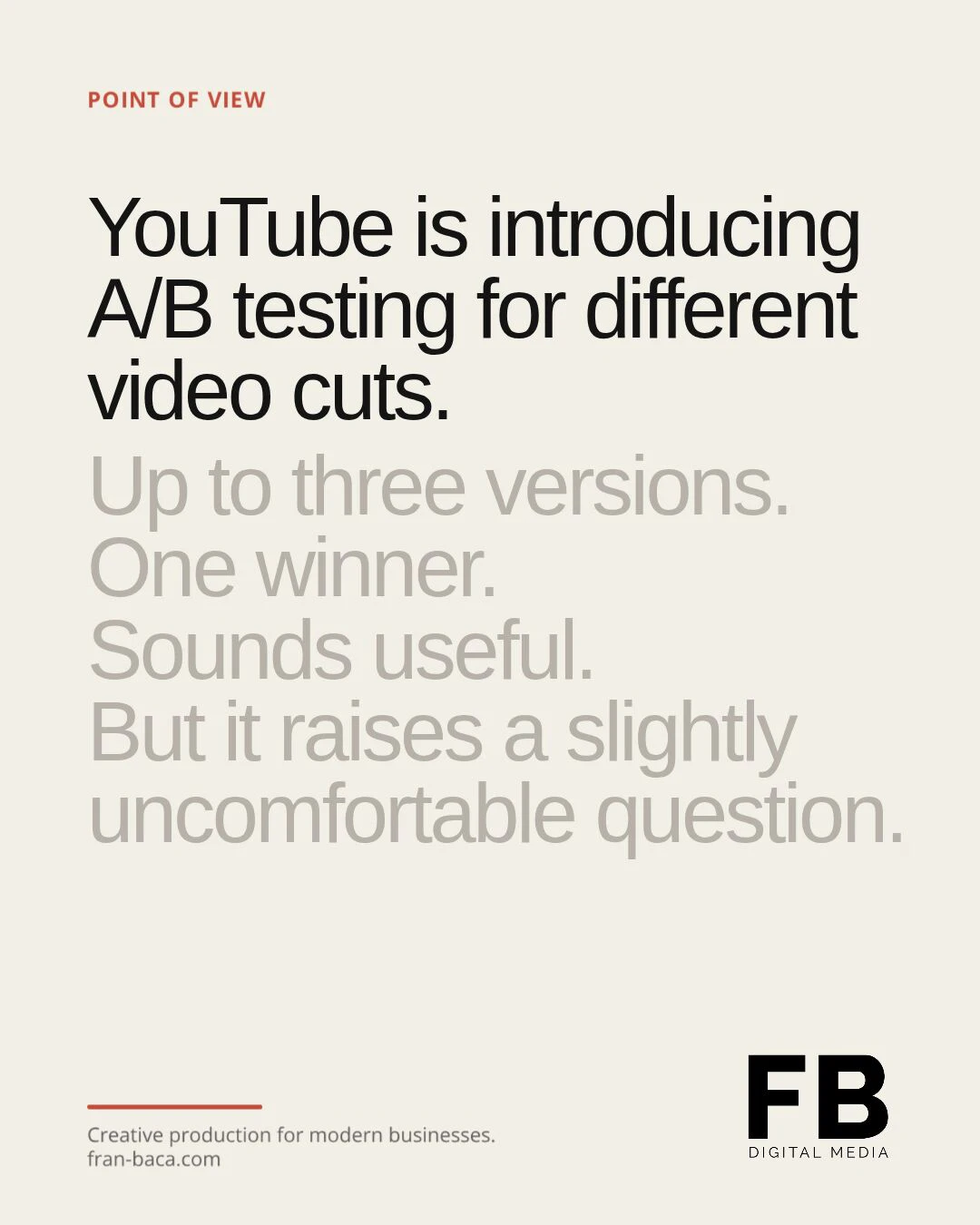
Actual Content Engine editorial carousel output
Real carousel output / full evidence in case study
02WEBSITE OPERATIONSOPERATIONAL / EVOLVING

Website Operator

A website doesn't stop needing attention once it's launched. People find it through search, visit its pages and interact with its content. But those signals are easy to overlook when they're scattered across different reporting tools.

I built Website Operator to give that information a regular rhythm. Twice monthly, it gathers data from Google Search Console, Google Analytics 4 and Bing Webmaster Tools, stores it in Google Sheets and brings the results together in a dashboard. Instead of checking each service separately, I can see what changed and decide what deserves attention next.

FROM WEBSITE ACTIVITY TO INFORMED DECISIONS
  1. 01SEARCH / VISITS
    Website activity

    People find the site, visit pages and interact with content.

  2. 02AUTOMATED COLLECTION
    Collect signals

    Search Console, Analytics and Bing data are recorded in Google Sheets.

  3. 03REPORTING
    See what changed

    A dashboard brings current and previous periods into view.

  4. 04HUMAN DECISION
    Decide what matters

    I review the results and choose what deserves attention next.

Collection and reporting are operational. Interpretation and website improvements remain under human review; the wider improvement process is still evolving.

03CLIENT OPERATIONSIN USE / FOUNDER-SUPERVISED

Client Operations

From the first enquiry to final delivery, this is the internal process I use to organise and manage client work.

ChatGPT assists with understanding enquiries, clarifying briefs and preparing next steps. Google Sheets provides a persistent, structured project record, keeping important information and project status accessible beyond individual conversations. Scope commitments, approvals and final release remain under my control.

  • Defined rules, source-of-truth and project controls
  • Clarification and proposal-readiness checks
  • Human approval for commitments and final release
WORKING PROCESS / RULE-GUIDEDFOUNDER SUPERVISED
  1. 01 / INTAKEEnquiryFacts and unknowns recorded
  2. 02 / CLARIFYBrief + scopeQuestions and requirements
  3. 03 / HUMAN CHECKPOINTApproval gatesFounder confirms commitments
  4. 04 / DELIVERHandover + deliveryNext steps and release checks
PERSISTENT PROJECT CONTROLGoogle Sheets / status / next action / waiting on / approvalsChatGPT helps with preparation; the shared project record persists, and final decisions remain with the founder.
04CREATIVE PRODUCTIONPROFESSIONAL WORK

Creative Production

I'm Fran Baća, the founder of FB DIGITAL MEDIA. Alongside developing workflow systems, I work professionally in video production, editing, motion graphics and advertising content.

That experience brings a practical understanding of how creative projects really operate — from briefs and feedback to versions, approvals, quality control and deadlines. It shapes the systems I build: reducing repetitive coordination and improving reliability while keeping creative judgement in human hands.

  • Production realities, not theoretical processes
  • Pragmatic tools around repetitive mechanics
  • Creative judgement remains human
SELECTED PUBLISHED PRODUCTION WORKFRAN-BACA.COM

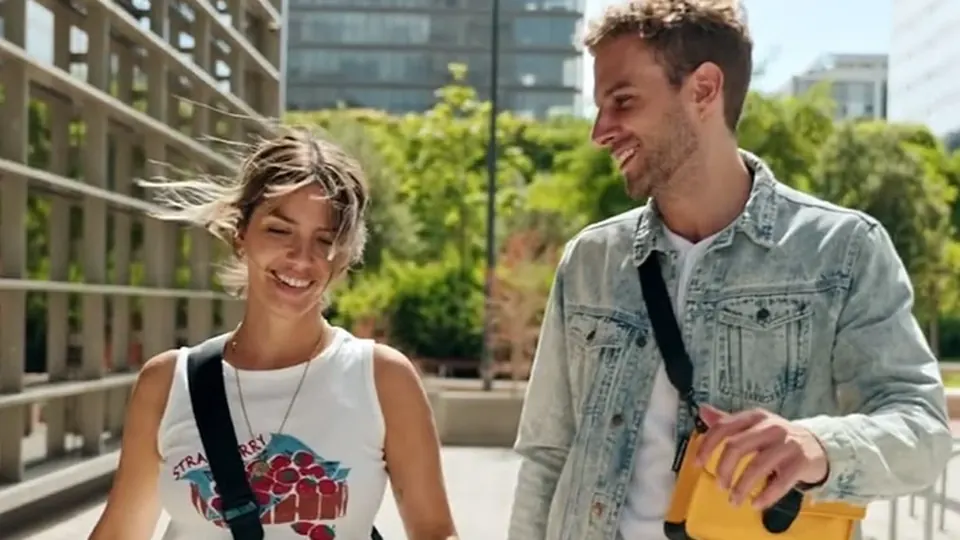
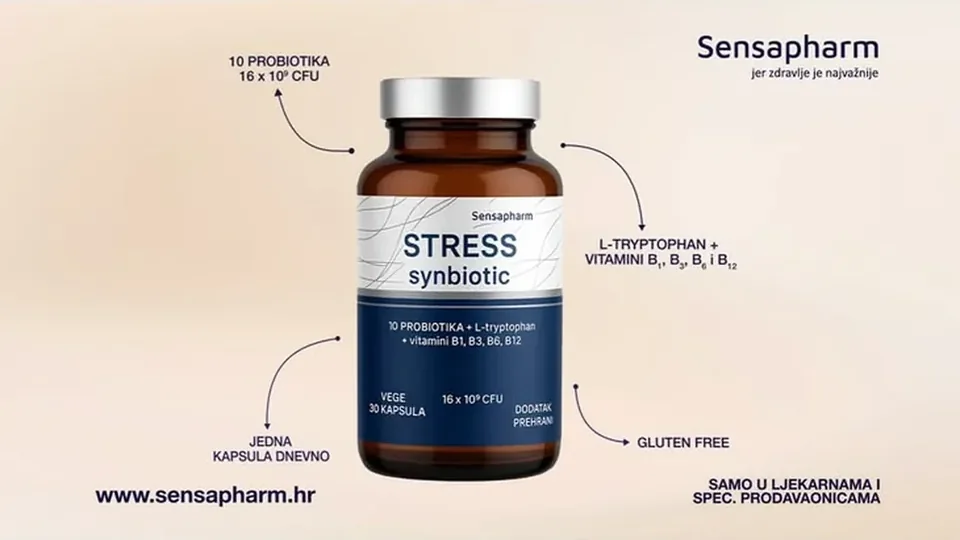
Selected frames from three separate creative-production projects, covering motion graphics, advertising editing and event filming. View full work and production credits in the creative portfolio.

COMMON PRINCIPLES

Good work shouldn't get lost between steps.

A brief changes. Feedback arrives in another thread. A report is due, but the numbers live somewhere else. Someone has to stop the real work to figure out what happens next.

These moments show up in content production, website reporting, client delivery and creative projects alike. They're why I start by understanding how people actually work: where information lives, where decisions happen and what needs to move between people and tools.

The goal isn't to automate everything. It's to make the next step clear, keep approvals and ownership visible, and leave more time for the work that needs a human.

START WITH THE WORKFLOW

Let's make your workflow easier to run.

If approvals drag, briefs change mid-project or your team spends too much time chasing updates, you don't need to arrive with a technical solution.In a Workflow Systems Blueprint, we'll look at how your work runs today, find what's slowing it down and design a practical way forward. Sometimes that means simplifying a step or making better use of your existing tools. Sometimes it means building something new.You'll know what to improve before committing to a build.